
Blackbird
R. Don WilsonCard
4.3868.00 Reviews
- Version
- 1.3.0
- Installs
- 10.00K
- Age Rating
- Everyone
Screenshots
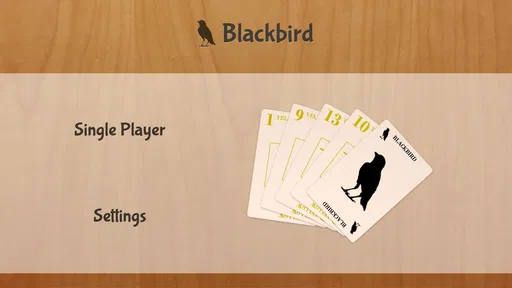
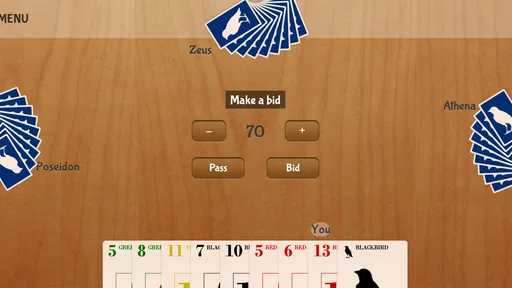
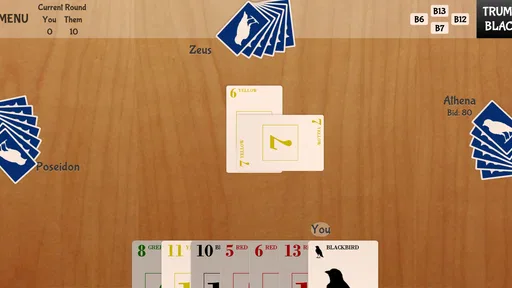
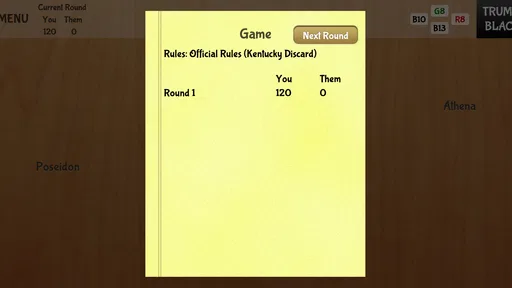
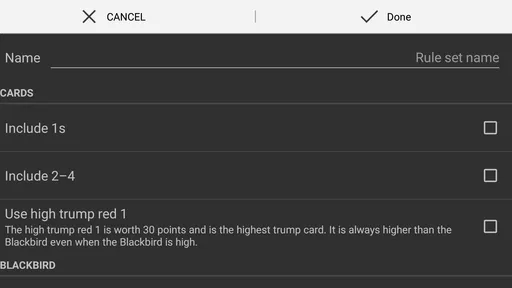
Our Review of Blackbird
 Analysis by Appyee
Hey there, app explorers! Today, we're diving into the world of Blackbird, an app that's been buzzing around for its unique approach to productivity and organization. Let me take you through my journey with it and see if it's the right fit for your digital toolkit.
What Makes Blackbird Stand Out?
When you first open Blackbird, you're greeted with a sleek, modern interface that just feels right. It's minimalistic yet packed with features, kind of like having a super-organized friend who knows exactly where everything is. The app promises to enhance productivity by seamlessly integrating various tools that we often juggle separately. Let's see how it delivers on that promise.
Customization Galore
One of the first things I noticed is the level of customization it offers. You can tweak almost every aspect of the app to suit your preferences. Whether it’s changing themes, adjusting layouts, or setting personal shortcuts, Blackbird lets you tailor your experience. This is a huge win if you're like me and want everything just so.
Integration with Other Apps
Now, here’s where things get interesting. Blackbird integrates smoothly with a ton of third-party apps like Google Calendar, Trello, and even Slack. It’s like having a central command center for all your productivity tools. The app pulls in data from these services and presents it in a unified view, saving you the hassle of switching between apps. This integration is a game-changer for anyone looking to streamline their workflow.
User-Friendly Features
The folks behind Blackbird have clearly put a lot of thought into user experience. Everything is intuitive, from setting up tasks to managing your daily schedule. It even has a nifty feature that predicts what you’ll need based on your past activities. Imagine opening the app and seeing a personalized dashboard tailored to your day. It’s like having a digital assistant that knows you well.
Task Management and Reminders
At its core, Blackbird is all about managing tasks efficiently. It allows you to create detailed to-do lists, set reminders, and even prioritize tasks based on urgency or importance. I found the reminder feature particularly helpful — it’s unobtrusive yet effective. You can choose from various notification styles, ensuring you never miss a meeting or deadline.
Data Security
In this digital age, data security is paramount. I was pleased to find that Blackbird takes this seriously. The app incorporates advanced encryption and offers options for two-factor authentication. Knowing that my data is secure gives me peace of mind, especially when dealing with sensitive information.
Performance and Accessibility
I tested the app on both Android and iOS, and I must say, it performs admirably on both platforms. It’s quick to respond, with no noticeable lag, even when switching between features. Plus, Blackbird is accessible across devices, meaning you can start a task on your phone and continue it on your tablet or computer without missing a beat.
Final Thoughts
So, is Blackbird worth the download? Absolutely! It’s a powerful tool for anyone looking to enhance their productivity and organization. Its seamless integration with other apps, user-friendly design, and strong emphasis on security make it a standout in the crowded world of productivity apps. Whether you’re a busy professional, a student, or just someone trying to manage daily tasks more efficiently, give Blackbird a try. You might find it’s exactly what you’ve been missing in your digital life.
And there you have it, folks! A thorough look at what makes Blackbird tick. Ready to take it for a spin? You can find it on the App Store or Google Play. Happy organizing!
Verdict
Strengths of Blackbird
- User-friendly interface with intuitive navigation.
- Variety of customization options available.
- Supports offline access to key features.
- Regular updates enhance performance and security.
- Seamless integration with other apps.
Limitations of Blackbird
- Limited free version with basic features.
- Occasional lag on older devices.
- Requires a stable internet connection for updates.
- Some advanced features need a subscription.
- Customer support response can be slow.
Similar Picks in This Category
View All
Solitaire - Classic Card Games
MobilityWare4.6

UNO!™
Mattel163 Limited4.3

Spider Solitaire: Card Games
MobilityWare4.6

Solitaire.com - Classic Cards
Tripledot Studios Limited4.7

Plants vs. Zombies™ Heroes
ELECTRONIC ARTS4.1

Hearthstone
Blizzard Entertainment, Inc.4.1
Frequently Asked Questions
What is the main purpose of the Blackbird app?
Blackbird is designed to enhance productivity by integrating various task management and communication tools into a single platform. It allows users to organize their tasks, collaborate with team members, and streamline workflows efficiently. The app features customizable dashboards and real-time notifications, making it ideal for both personal and professional use.
Is Blackbird available for both Android and iOS devices?
Yes, Blackbird is available for both Android and iOS platforms. Users can download the app from the Google Play Store or the Apple App Store. This cross-platform availability ensures that users can seamlessly access their data and stay connected, regardless of the device they are using.
Does Blackbird offer offline functionality?
Blackbird provides offline functionality, allowing users to access and manage tasks without an internet connection. Any updates or changes made offline are automatically synced once the device reconnects to the internet, ensuring that users can continue to work without interruptions.
How secure is my data on Blackbird?
Blackbird prioritizes user security by implementing robust encryption protocols and regular security updates. User data is stored securely and is only accessible by the account owner. Additionally, the app offers two-factor authentication to add an extra layer of protection against unauthorized access.
Are there any subscription fees for using Blackbird?
Blackbird offers both free and premium subscription plans. The free version includes basic features suitable for individual use, while the premium subscription provides advanced functionalities like enhanced collaboration tools, increased storage, and priority customer support. Users can choose a plan that best fits their needs.
Play our best games!


